 -62%
Planners & Templates
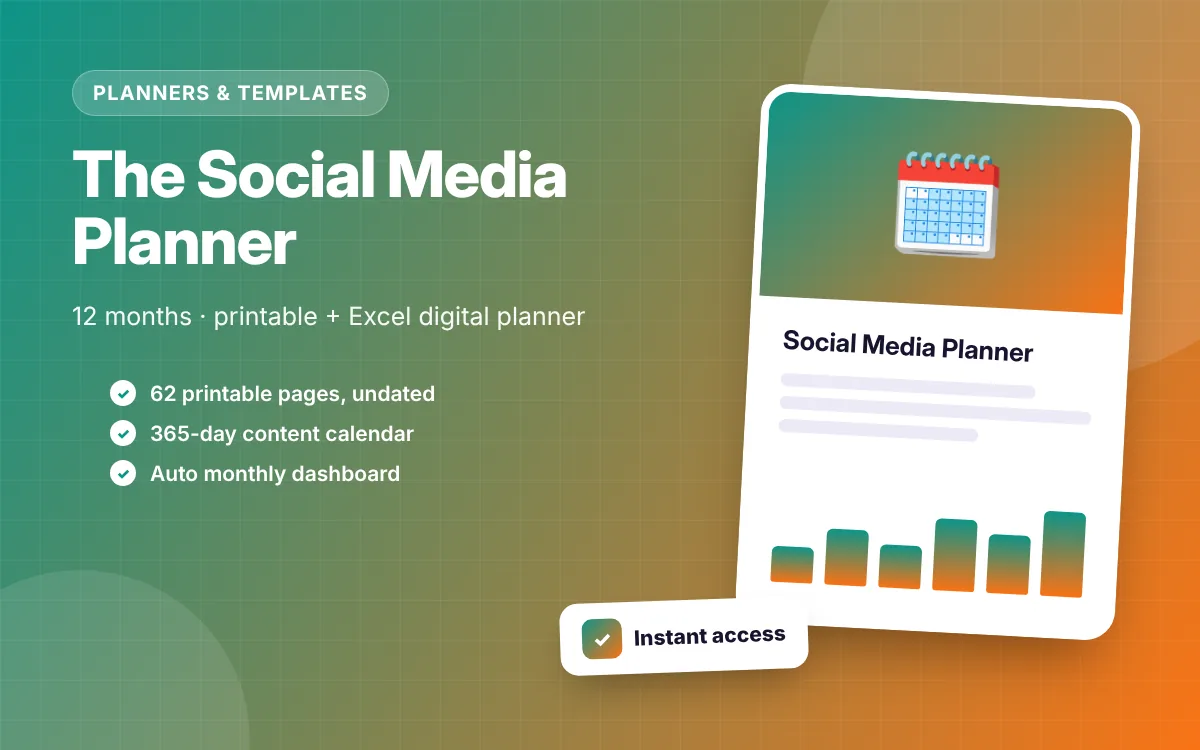
The Social Media Planner: 12-Month Printable + Excel Digital Planner
An undated 12-month planner (60+ printable pages) for goals, brand foundations, monthly calendars, weekly con…
$5.99 $13.99


Define your logo use, colours, fonts, voice and visual style once, and stay consistent everywhere.
Consistent brands are recognised faster and trusted more. But most small businesses keep their “brand” in the founder’s head. This kit turns it into a document anyone (a new designer, a freelancer or an agency) can follow on day one.
Pay securely by UPI, card or netbanking. Instant access, no subscription.
Follow the quick start, print the cheat sheet and fill in your workbook.
Edit the ready-made files for your business or your clients.
Follow the 30-day plan and compare your numbers in the workbook.
Small businesses, startups, freelancers and agencies who need a clear, shareable brand guide for social media and beyond.
Right after payment they appear in your account under My products. Use the guide on the website or download every file. Access is lifetime.
Yes. Excel, Word and PowerPoint files are fully editable, and they also open in Google Sheets, Docs and Slides. PowerPoint templates can be imported into Canva.
Yes. Every pack starts with a quick start you can finish in about an hour, and the guide explains every term in a plain-English glossary.
Yes. Updates are added to your account for free, forever.
Yes, for your own business and your clients. Please don’t resell or share the files themselves.
-62%An undated 12-month planner (60+ printable pages) for goals, brand foundations, monthly calendars, weekly con…
 -63%
365 fill-in-the-blank post ideas (one per day) organised by monthly theme, with a hook, format and content pi…
 -60%
30 editable 1080×1920 Story templates (PowerPoint, Google Slides and Canva import) built around the stickers …