 -60%
AI Tools
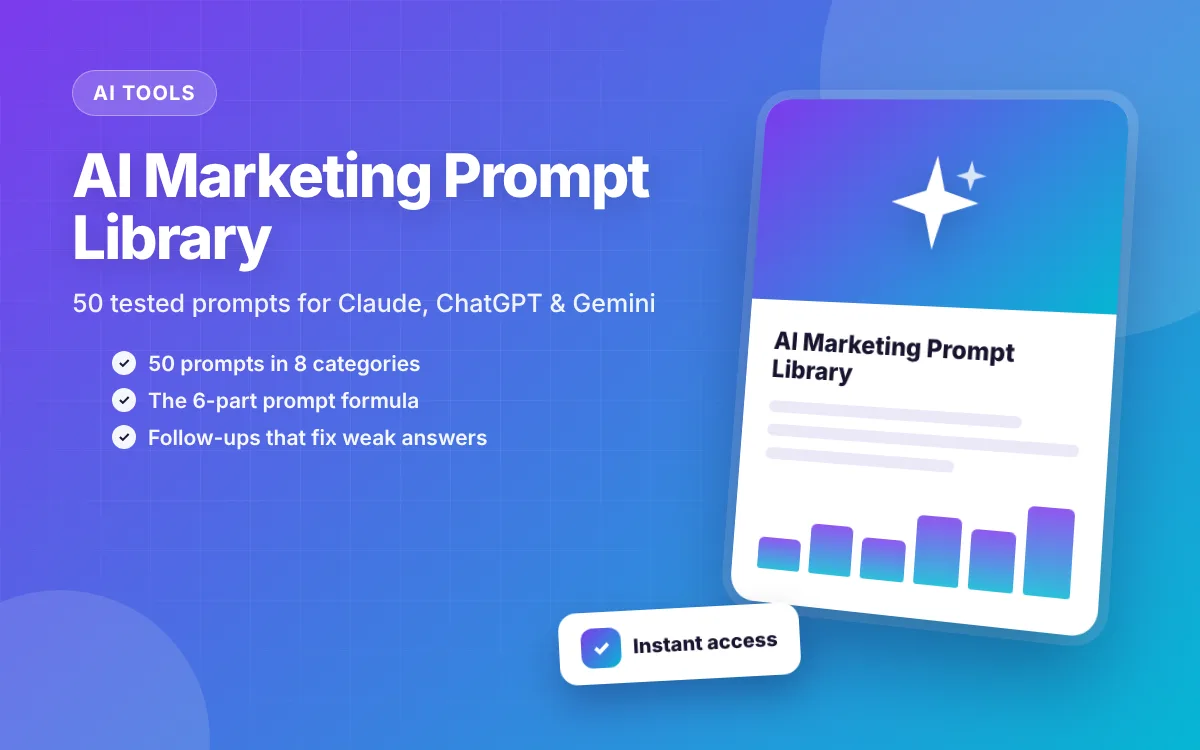
AI Marketing Prompt Library: 50 Tested Prompts for Claude, ChatGPT & Gemini
50 ready-to-use prompts across research, content, hooks, captions, ads, email/WhatsApp, SEO and reporting, pl…
$8.99 $21.99


Set up Claude once, then get on-brand content, ads and reports every day.
Claude is excellent at long documents and following detailed instructions. That makes it ideal for marketers who need consistent, on-brand work. This playbook shows you how to set it up properly once, so that every task afterwards takes minutes.
The same method works in ChatGPT Projects and Gemini Gems. Notes for those are included.
Pay securely by UPI, card or netbanking. Instant access, no subscription.
Follow the quick start, print the cheat sheet and fill in your workbook.
Edit the ready-made files for your business or your clients.
Follow the 30-day plan and compare your numbers in the workbook.
Marketers, freelancers and agencies who want consistent, on-brand AI output.
Right after payment they appear in your account under My products. Use the guide on the website or download every file. Access is lifetime.
Yes. Excel, Word and PowerPoint files are fully editable, and they also open in Google Sheets, Docs and Slides. PowerPoint templates can be imported into Canva.
Yes. Every pack starts with a quick start you can finish in about an hour, and the guide explains every term in a plain-English glossary.
Yes. Updates are added to your account for free, forever.
Yes, for your own business and your clients. Please don’t resell or share the files themselves.
-60%50 ready-to-use prompts across research, content, hooks, captions, ads, email/WhatsApp, SEO and reporting, pl…
 -57%
When to pick GPT-6 Astra vs the default ChatGPT model, how to brief it for multi-step work (research → strate…
 -55%
Set up Claude Code with free Agent Skills from GitHub, then build branded, reusable video templates with Remo…