 -60%
AI Tools
AI Marketing Prompt Library: 50 Tested Prompts for Claude, ChatGPT & Gemini
50 ready-to-use prompts across research, content, hooks, captions, ads, email/WhatsApp, SEO and reporting, pl…
$8.99 $21.99
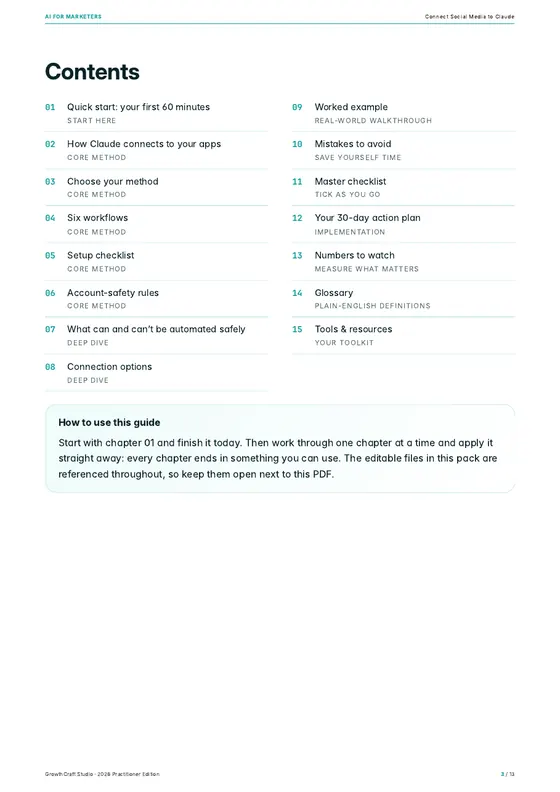


Let Claude plan, draft and report while your scheduler posts, with your approval at every step.
Claude doesn’t log in to your Instagram by itself. You connect it through tools: Claude connectors (built on MCP, the Model Context Protocol), automation platforms like Zapier or Make, or the official APIs from Meta, LinkedIn and YouTube. This playbook explains each option simply and gives step-by-step workflows that keep a human approval step, so you get automation without risking your accounts.
Pay securely by UPI, card or netbanking. Instant access, no subscription.
Follow the quick start, print the cheat sheet and fill in your workbook.
Edit the ready-made files for your business or your clients.
Follow the 30-day plan and compare your numbers in the workbook.
Social media managers, agencies and business owners who manage several accounts and want to save hours every week.
Right after payment they appear in your account under My products. Use the guide on the website or download every file. Access is lifetime.
Yes. Excel, Word and PowerPoint files are fully editable, and they also open in Google Sheets, Docs and Slides. PowerPoint templates can be imported into Canva.
Yes. Every pack starts with a quick start you can finish in about an hour, and the guide explains every term in a plain-English glossary.
Yes. Updates are added to your account for free, forever.
Yes, for your own business and your clients. Please don’t resell or share the files themselves.
-60%50 ready-to-use prompts across research, content, hooks, captions, ads, email/WhatsApp, SEO and reporting, pl…
 -60%
Step-by-step setup of Claude Projects for each brand or client, a brand-voice document template, custom-instr…
 -57%
When to pick GPT-6 Astra vs the default ChatGPT model, how to brief it for multi-step work (research → strate…